
Experience PSP games on Android with PPSSPP APK, the top emulator for high-quality gaming fun!

PPSSPP APK v1.20.3
PPSSPP APK
Download for Android
| App Name | PPSSPP |
|---|---|
| Package ID | org.ppsspp.ppsspp |
| Genre | Apps, Emulator |
| Size | 29.1 MB |
| Latest Version | 1.20.3 |
Discover the Magic of PPSSPP APK for Android
Have you ever wished you could play your favorite PSP (PlayStation Portable) games on your Android device? Well, now you can with the PPSSPP APK for Android! This amazing app lets you enjoy PSP games right on your phone or tablet with high-resolution graphics.
Whether you’re a fan of action-packed adventures or exciting racing games, PPSSPP brings the PSP gaming experience to your fingertips. In this blog post, we’ll explore everything you need to know about PPSSPP, how to download it, and how to make the most out of this fantastic emulator.
What is PPSSPP?
PPSSPP is a PSP emulator, which means it’s a special app that allows you to play games designed for the PlayStation Portable on your Android device. Created by Henrik Rydgård, PPSSPP is the original and best PSP emulator available for Android.
It’s free and versatile, capable of running a wide variety of games. However, keep in mind that the performance can vary depending on the power of your device. Some games might run smoothly, while others may require a bit of tweaking to get the best performance.
Why Choose PPSSPP?
PPSSPP is not just any emulator; it’s the best way to emulate PSP on Android. Here are some reasons why you should choose PPSSPP:
- High-Resolution Graphics: Enjoy your favorite PSP games in high definition, making them look even better than on the original PSP.
- Wide Compatibility: PPSSPP runs a lot of games, so you’re likely to find your favorites in the list of compatible titles.
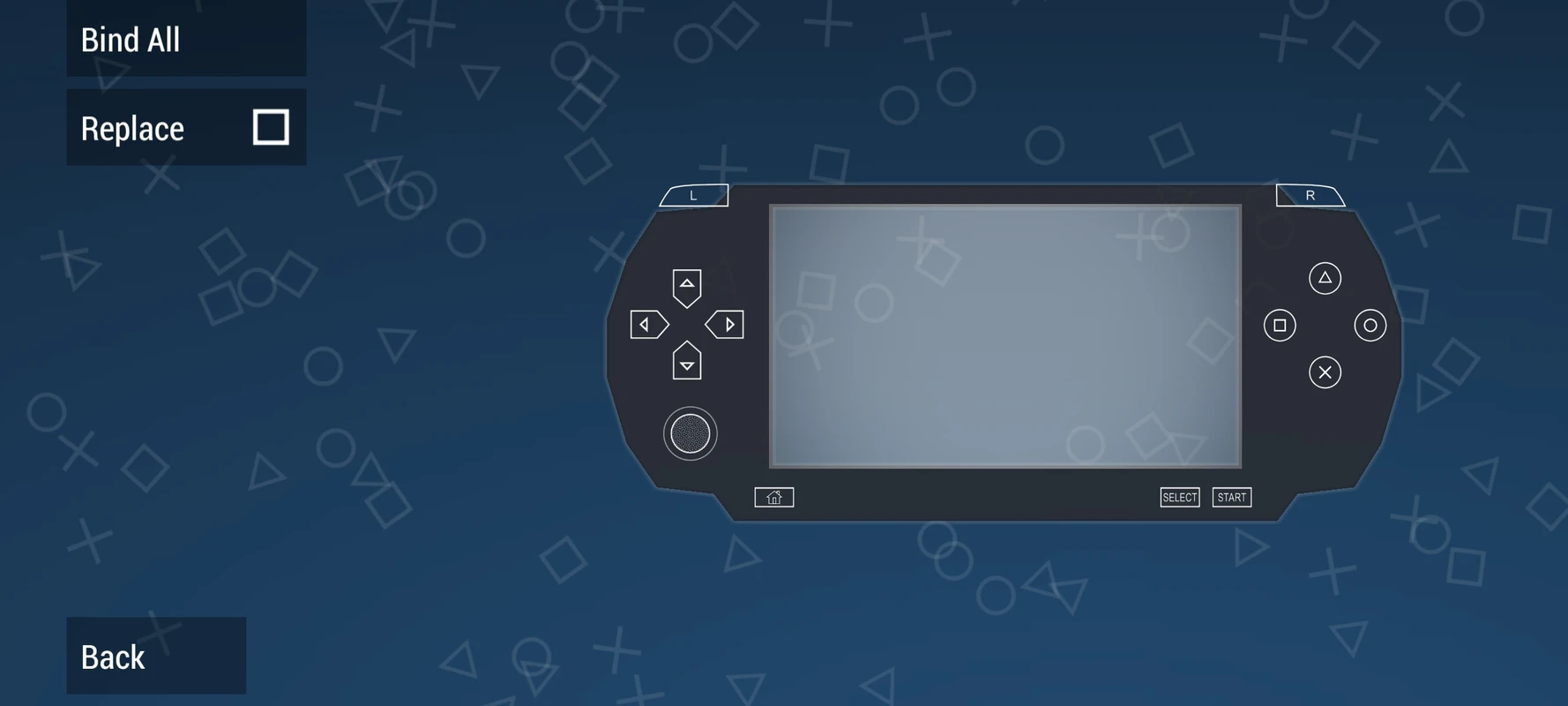
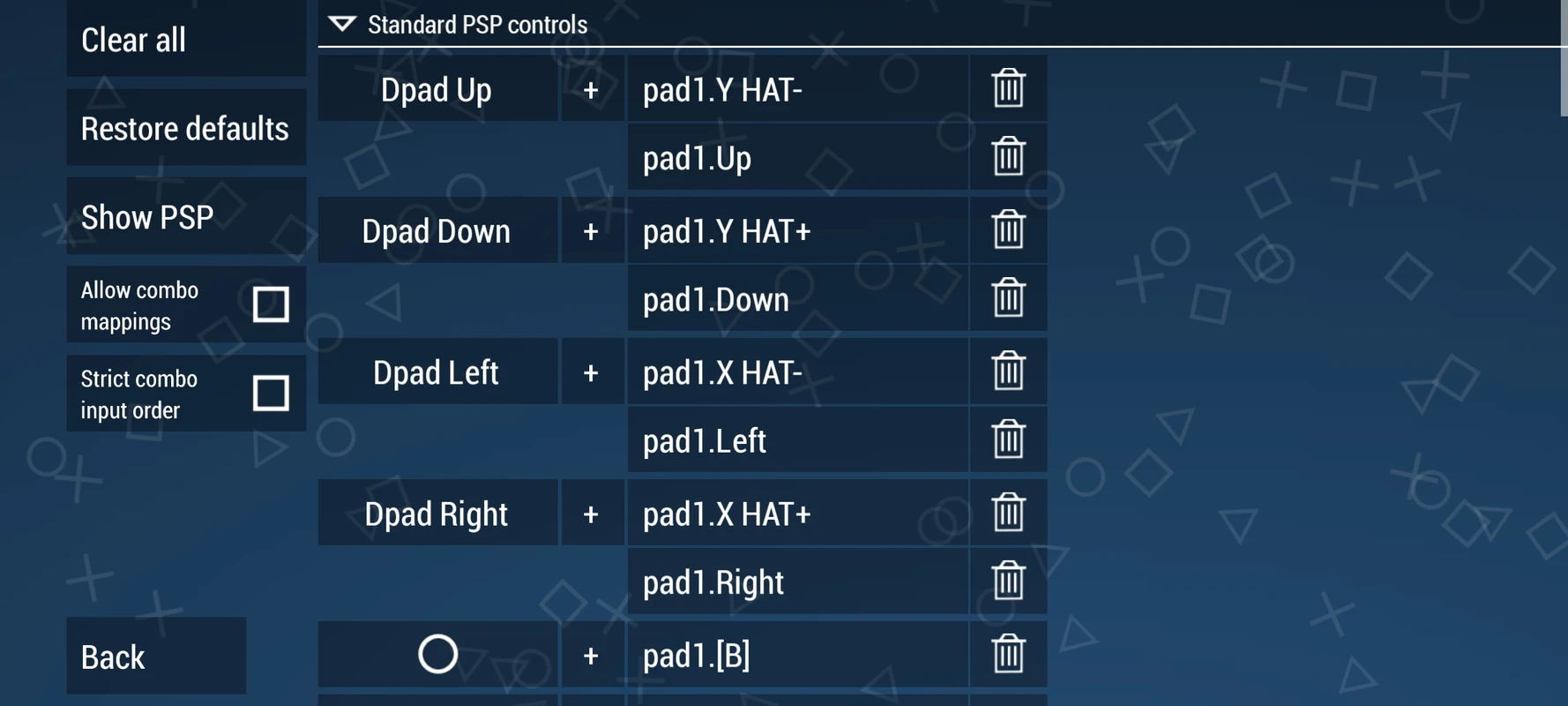
- Customizable Controls: You can adjust the controls to suit your preferences, making your gaming experience more comfortable.
- Save and Load States: Save your game progress at any point and load it whenever you want, so you never lose your place in the game.
- Free and Open Source: PPSSPP is free to download and use, and it’s open source, meaning developers can contribute to its improvement.
How to Download PPSSPP APK for Android
Downloading the PPSSPP APK for Android is easy and straightforward. Follow these simple steps to get started:
- Ensure Your Device is Compatible: PPSSPP requires Android 2.3 Gingerbread or above. Make sure your device meets this requirement.
- Download the APK: Click the download button provided at the top to get the latest version of PPSSPP APK for Android.
- Install the APK: Once the download is complete, open the APK file and follow the on-screen instructions to install it on your device.
- Launch the App: After installation, open the PPSSPP app and start exploring the world of PSP games on your Android device.
Getting Started with PPSSPP
Once you’ve installed PPSSPP, it’s time to dive into the fun world of PSP gaming. Here’s how to get started:
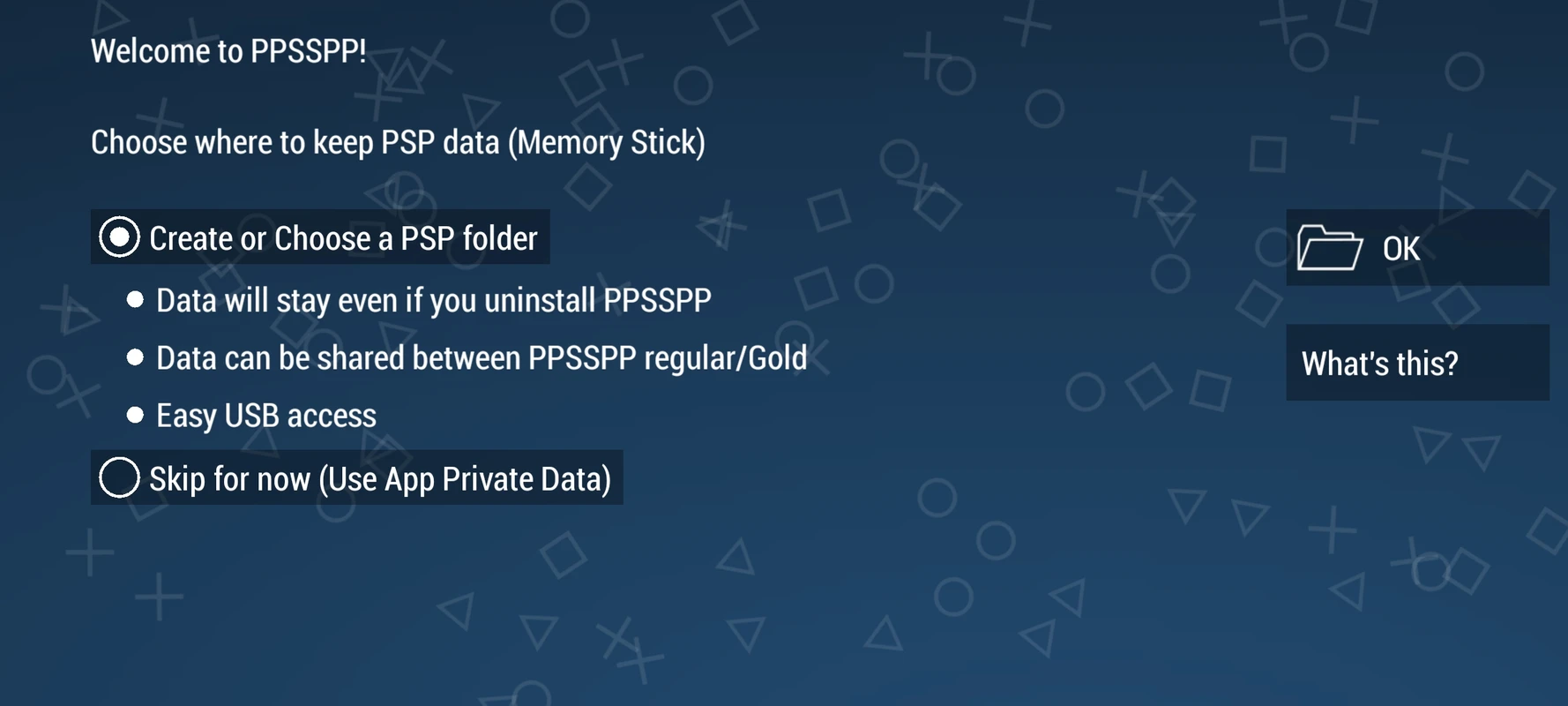
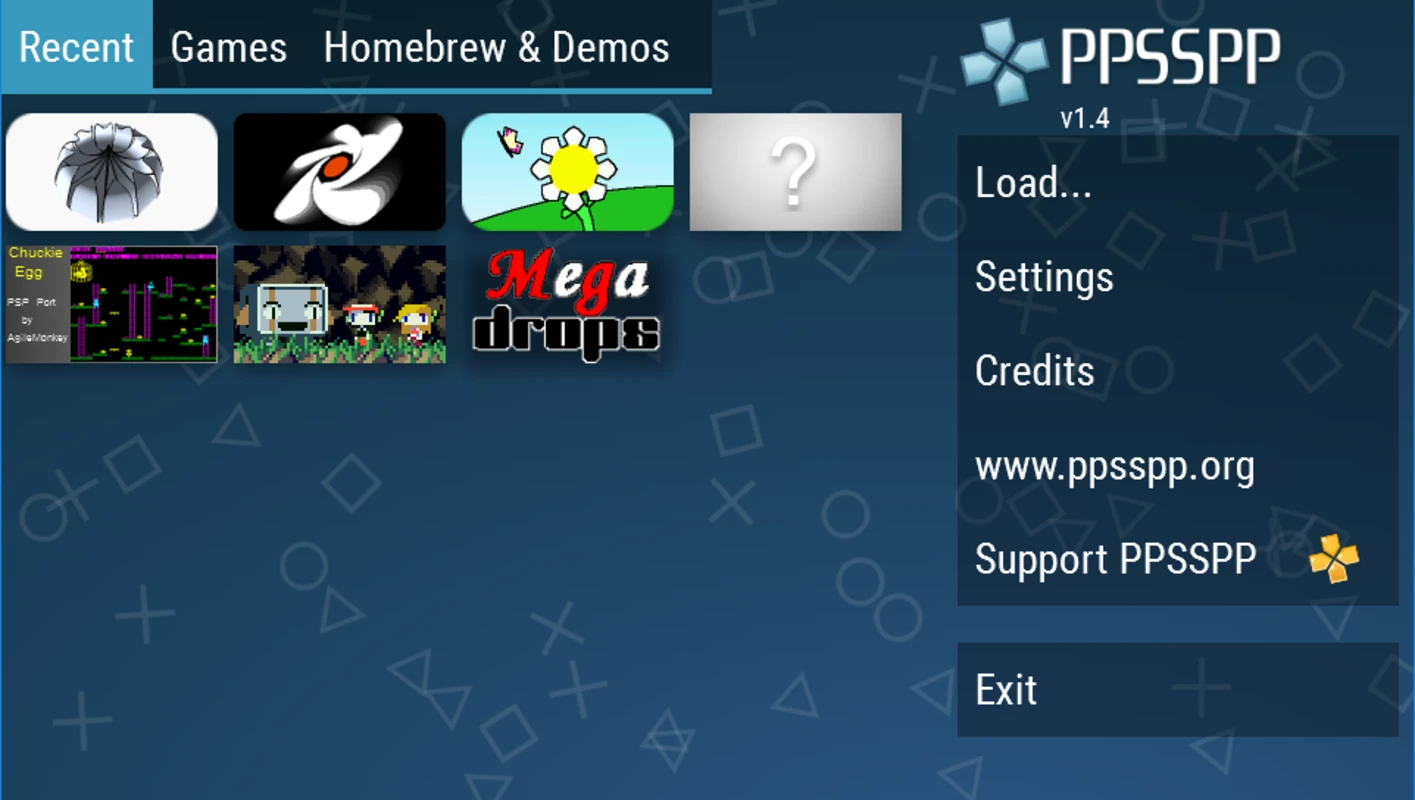
- Load Your Games: You’ll need to have PSP game files (ISOs or CSOs) to play. You can transfer these files to your device’s storage and load them through the PPSSPP app.
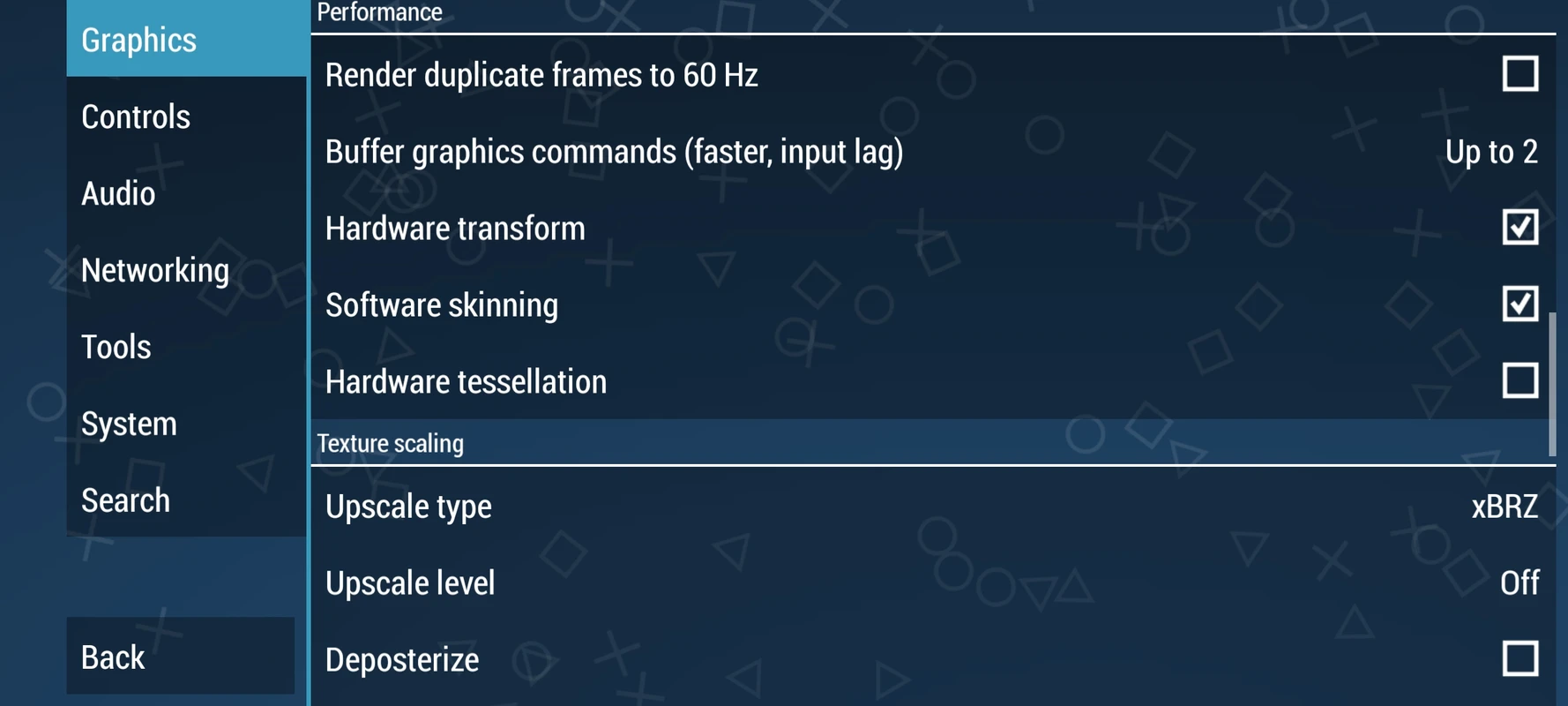
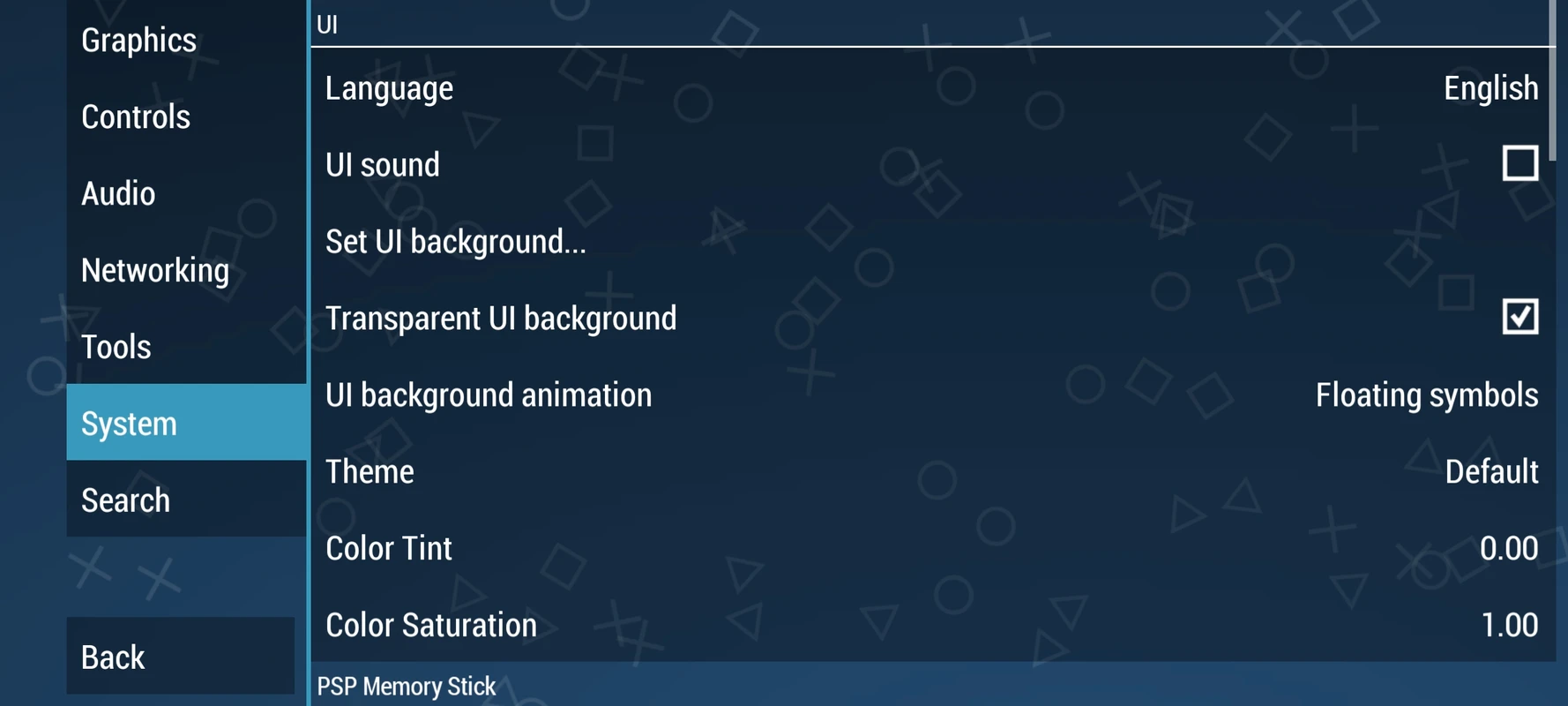
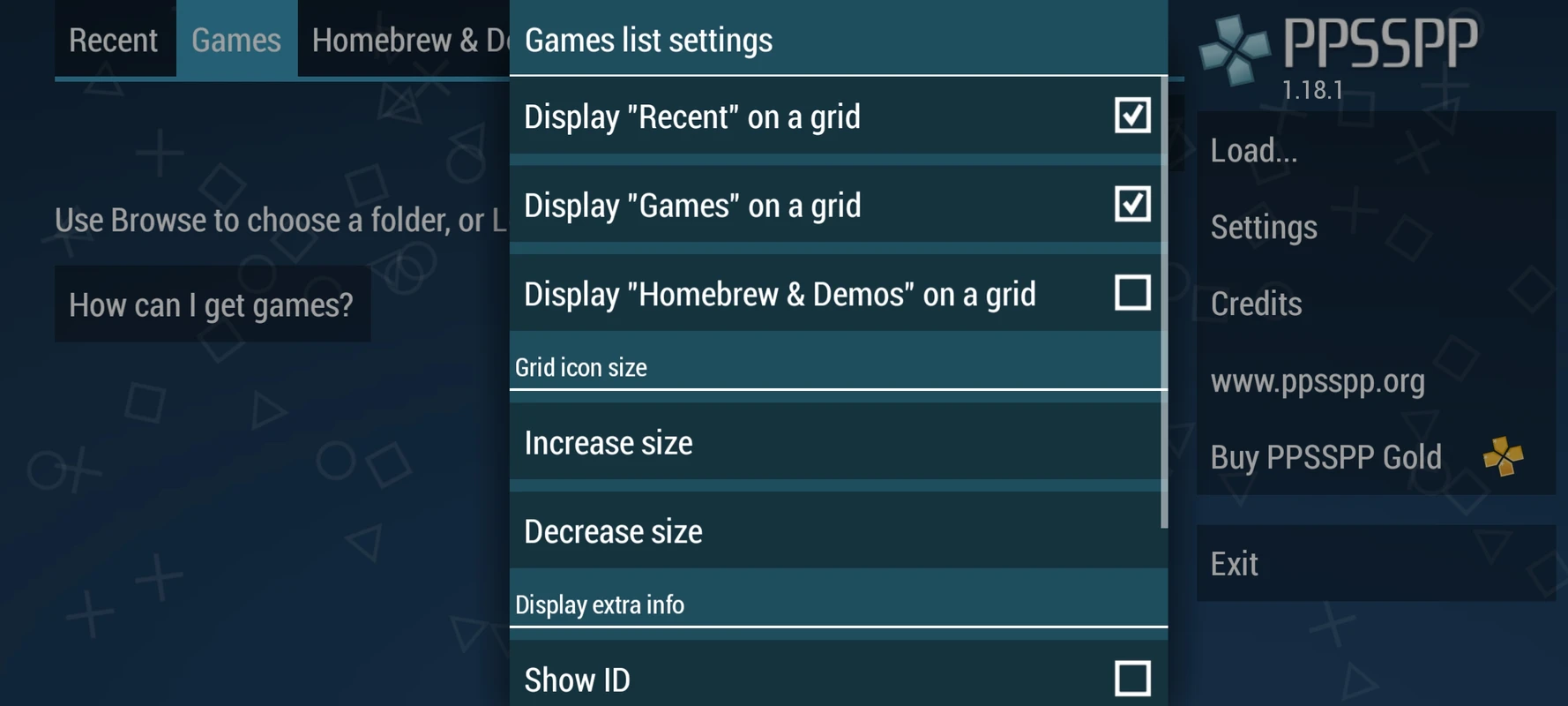
- Adjust Settings: To get the best performance, you might need to tweak some settings. You can adjust graphics, audio, and control settings to optimize the gaming experience.
- Explore the Features: Take advantage of features like save states, which let you save and load your game progress at any time, and customizable controls for a personalized gaming experience.
Tips for Optimizing PPSSPP Performance
To ensure you have the best experience with PPSSPP, here are some tips to optimize performance:
- Update Regularly: Keep your PPSSPP app updated to the latest version for improved performance and new features.
- Use a Powerful Device: While PPSSPP works on many devices, a more powerful phone or tablet will provide smoother gameplay.
- Experiment with Settings: Try different settings to find the perfect balance between performance and visual quality.
- Close Background Apps: Free up resources by closing unnecessary apps running in the background before launching PPSSPP.
Troubleshooting Common Issues
Even the best apps can have hiccups. Here are some common issues you might encounter with PPSSPP and how to fix them:
- Game Lag: If your games are lagging, try lowering the graphics settings or enabling frameskip to improve performance.
- Sound Issues: If the sound is choppy or missing, check the audio settings and try adjusting the audio latency.
- Crashes: If the app crashes, make sure you have the latest version installed and that your device meets the minimum requirements.
Conclusion
PPSSPP APK for Android is a fantastic way to relive your favorite PSP games on your mobile device. With its high-resolution graphics, customizable controls, and wide compatibility, it’s no wonder PPSSPP is the go-to choice for PSP emulation on Android.
Whether you’re a longtime fan of PSP games or new to the world of emulation, PPSSPP offers an exciting and accessible way to enjoy classic games on the go. So, download the app, load your favorite games, and start playing today!
5/5 (1 vote)